










Blog
Google Says It Didn’t Threaten Schools Over AI: What the New K-12 Rules Really Mean
4 November 2026
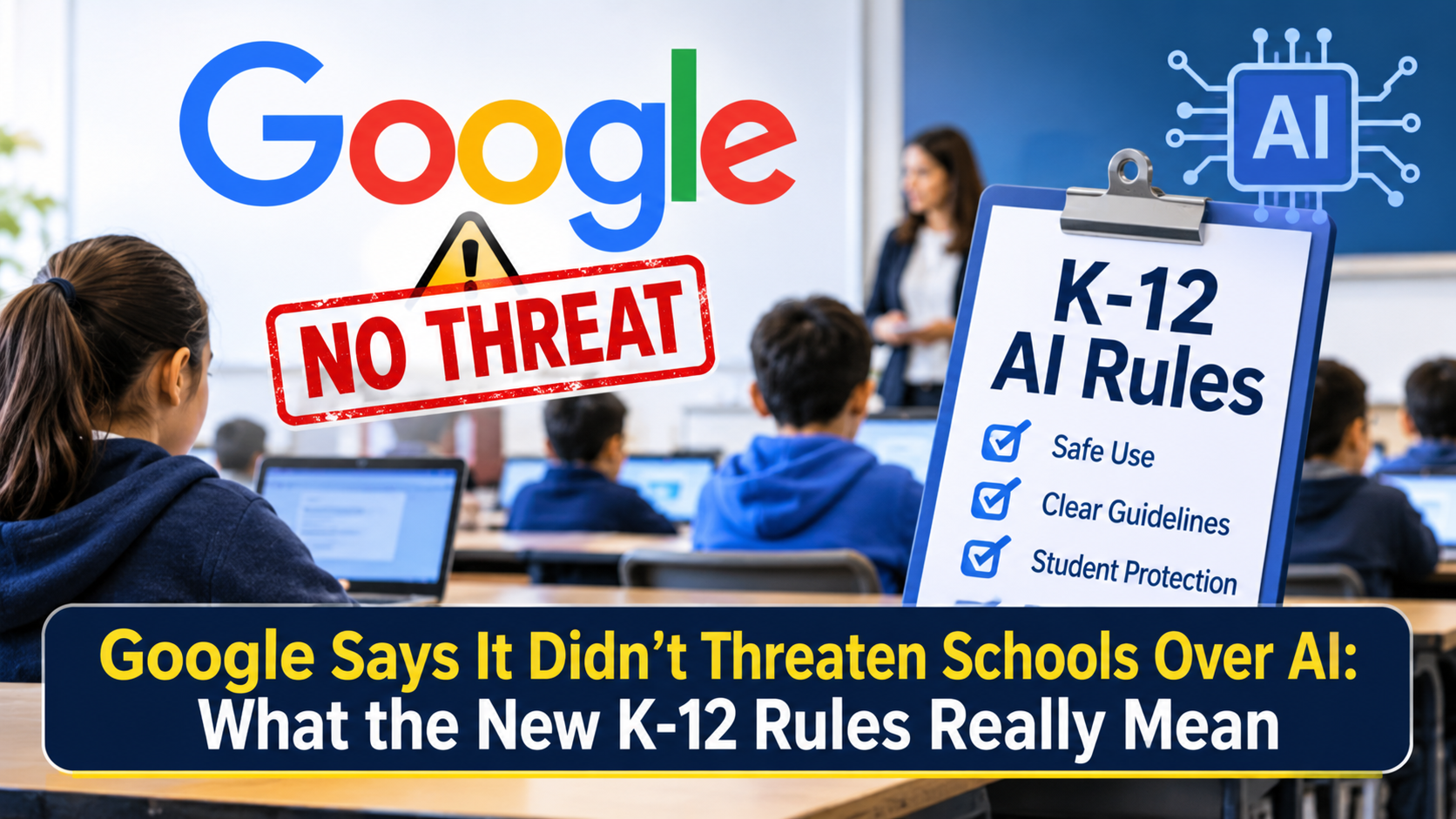
On November 3, 2026, Google announced that Gemini, Gemini Notebook, Gemini in Classroom and Google Search will be off by default for K-12 student accounts until a school administrator turns them on. After a wave of criticism, Google clarified that schools get more choice, not less, and can enable each service separately. The catch is that the Search schools can enable includes AI Overviews and AI Mode. A school that wants no AI at all will also lose Google Search for its students.
Why This Story Blew Up So Fast
Few topics divide parents, teachers and lawmakers like AI in classrooms. Within hours of Google’s announcement, headlines framed it as a threat: accept our AI or lose our search engine. Google pushed back the same afternoon and said its changes were meant to hand control to schools. Both sides have a point, and the details matter for anyone running a school, raising a student or publishing content for learners.
What Google Actually Changed
Under the new approach, four products start in the “off” position for students in kindergarten through grade 12: Gemini, Gemini Notebook, Gemini in Classroom and Google Search. Nothing reaches a student account until an administrator flips the switch.
This reverses the current setup, where the Gemini app is available to education users of every age. Google has not published an exact rollout date. The company says schools will get more information in the coming months, while The New York Times reported that the switch will happen early next year.
Google’s Clarification: “More Choice, Not Less”
Later on November 3, Google posted a follow-up on X. It made three points:
- Gemini, Gemini Notebook and Search will be off by default because schools asked for more control.
- Administrators can turn on one, two or all of these services individually.
- Search for schools will be updated so AI Mode and AI Overviews guide students through problems step by step instead of handing over quick answers.
So a school could keep Gemini off while switching Search on. That flexibility is real. The open question is what “Search on” contains.
The Catch: Search and AI Are Bundled
Google’s education vice president, Chris Phillips, told The New York Times that Search and AI are deeply integrated. In a school that bans AI entirely, students would see a message from their school saying Search is unavailable.
In practice, the choice is not “AI or no AI.” It is “Search with AI, or no Google Search.” No public statement from Google mentions a links-only version of Search for schools. That gap is why critics call the policy coercive, and why Google’s clarification did not end the debate.
Google has been tying AI deeper into Search for years. AI Overviews sit above the regular results, and AI Mode adds a conversational layer. Separating them for one customer group would require a product the company has not announced.
Guided Learning Comes to Search and Classroom
The second half of the announcement is about Guided Learning, a tutoring-style mode designed to make students think rather than copy. If a student pastes a physics problem into Search, they would see prompts and questions, not the final answer.
Guided Learning is available globally in Google Classroom as of November 3. A pilot in select US schools begins in Search later this month, with wider expansion planned afterward. Google cites its own studies showing learning gains, including a trial in Sierra Leone, but the research is company-run, and none of it tested Guided Learning inside Search itself.
The Pressure Behind the Decision
Google did not make this move in a vacuum:
- Lawmakers: Senators Richard Blumenthal and Josh Hawley wrote to Google’s CEO in October, warning that aggressive AI promotion in schools could harm children’s learning and wellbeing.
- Large districts: New York City and Los Angeles restricted student access to generative AI on school devices in September.
- Public figures: New York City Mayor Zohran Mamdani accused Google of using monopoly power to push AI into public schools.
- Research: Several studies suggest heavy reliance on chatbots can weaken critical thinking and test performance.
Competitors are also reacting. DuckDuckGo has said schools can set it as their default search engine if they want to avoid AI in Google Search.
What Schools and IT Teams Should Do Now
Even without a firm date, administrators can prepare:
- Audit current usage. Find out which Gemini and Search features students already use on school accounts.
- Write an AI policy. Define acceptable and unacceptable uses before the defaults change.
- Decide service by service. Gemini, Gemini Notebook and Search can be enabled separately, so match each to your goals.
- Evaluate alternatives. If AI-free search is a priority, test other search engines on managed devices.
- Talk to families. Explain what is on, what is off and why.
What Parents Should Know
Your child’s school will decide what is enabled, so ask the school directly. Useful questions include whether Search will be on, whether Guided Learning is part of the plan, and how student data is handled. Google states that its core education services do not sell student data, use it for ads or train generative AI models with it. Beyond policy, keep teaching kids to check AI answers rather than trust them.
Why Marketers and Publishers Should Pay Attention
For content creators, this is an AEO and GEO story. Guided Learning places an AI-generated tutoring layer at the top of the results page, above regular links. One randomized study found that AI Overviews cut outbound organic clicks by nearly 40 percent, and homework-help sites have already lost large shares of traffic.
If you publish educational content, structure pages with clear questions, direct answers, step-by-step explanations and credible sources. These are the formats AI systems prefer to cite. Brands targeting students or schools should also remember that school-account Search sessions may disappear in districts that keep it off.
What Is Still Unclear
Several details remain open. Google has not confirmed whether AI Overviews can be disabled inside school Search, whether Gemini in Classroom is part of the same switch (the X post omitted it), or whether existing Gemini settings will carry over or reset. It also has not said how Search will detect homework-style queries or which districts join the pilot.
Final Thoughts
Google’s message is that schools now have the steering wheel. Its critics reply that the road only has one lane. Until Google explains whether a truly AI-free Search is possible, schools face a real trade-off between control and access. The smartest move for educators, parents and publishers is to prepare now: set clear AI policies, ask direct questions and keep content built for the answer-first era.
Frequently Asked Questions
Google says no. It describes the change as giving schools more control. Critics argue the effect is pressure, because blocking AI also means losing Search for students.
Google has said only “the coming months.” The New York Times reported early 2027.
Based on Google’s public statements, no. The Search offered to schools includes AI Overviews and AI Mode.
Yes. Per Google’s clarification, administrators can enable Gemini, Gemini Notebook and Search separately.
It is a tutoring mode that responds to student questions with prompts and step-by-step guidance instead of direct answers. It is live in Google Classroom and will be piloted in Search.
Yes. DuckDuckGo has publicly encouraged schools to use it as a default. Each school should test any alternative for filtering, safety and compatibility.
