










Blog
Adobe MAX 2026: Firefly Becomes an AI Creative Studio and Creative Agent Spreads Across Creative Cloud
11 November 2026
What did Adobe announce at MAX 2026?
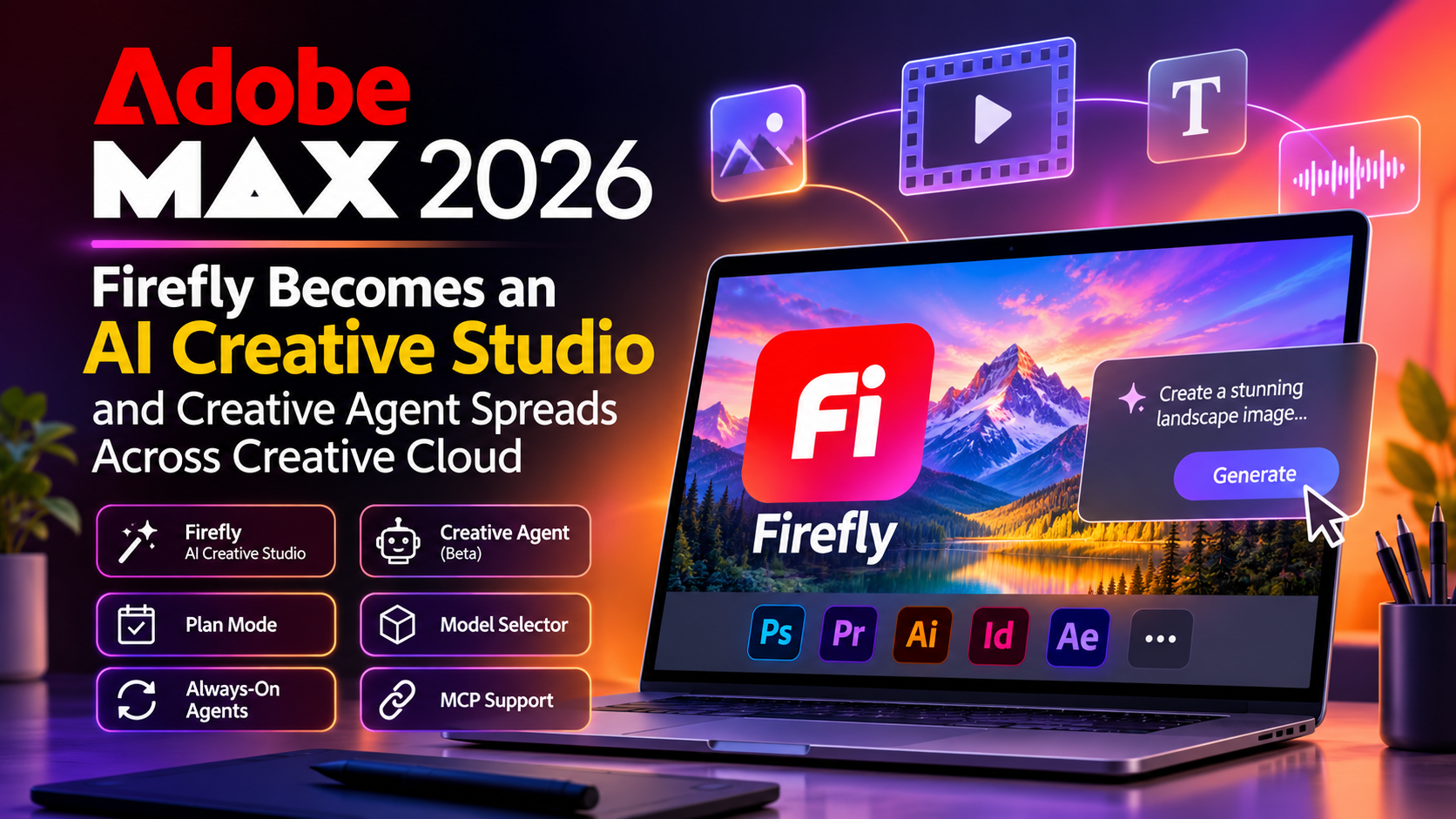
Adobe repositioned Firefly as an all-in-one AI creative studio that combines image, video, audio and design tools with models from Adobe and partners. It also expanded its Creative Agent, an AI assistant currently in beta, across Creative Cloud apps such as Photoshop, Premiere, Illustrator, InDesign and After Effects. Adobe also introduced Plan Mode and a Model Selector, previewed always-on background agents, and announced local MCP support so third-party agents can work with Creative Cloud files.
Key Takeaways
- Firefly is now a workspace that combines several creative AI models, not just an image generator.
- Creative Agent can turn a plain-language goal into multi-step work inside Adobe apps.
- Plan Mode lets you review and approve the agent’s plan before it starts.
- Always-on agents enter beta early next year, and local MCP integration follows as a closed beta in 2027.
- Premiere mobile will get agentic editing through a closed beta.
Why Adobe MAX 2026 Matters
For years, creative AI meant typing a prompt and getting an image back. That was impressive, but finishing a project still meant resizing, renaming, syncing, masking and colour-correcting by hand.
MAX 2026 targets that gap. The focus is moving from generating content to finishing it. Adobe wants AI to work like an assistant inside the tools professionals already use, while the creator stays in charge of direction and taste.
This approach is called agentic AI. Instead of answering one prompt, an agent breaks a goal into steps, uses tools to complete them and reports back.
Firefly as an All-in-One AI Creative Studio
Adobe describes Firefly as an AI creative studio that brings together video, audio, image and design tools. It includes Adobe’s own models plus models from Topaz Labs and partners such as ByteDance, Google, Kling, OpenAI and ElevenLabs.
This matters because creators rarely stick to one model. One may be better at realistic photos, another at motion, another at voice. Having them in one workspace connected to Creative Cloud saves the hassle of hopping between websites and subscriptions. Creators can also invite others to review and comment on work inside the AI Assistant before publishing.
Creative Agent Comes to Creative Cloud Apps
Creative Agent powers the AI Assistant (beta). It is reaching Illustrator, Premiere, InDesign, After Effects and Frame.io, with Photoshop access through its beta app. Adobe’s announcement also points to Lightroom and Firefly.
It can apply set formats, colours, guidelines, characters and products to a project, so brand rules don’t have to be rebuilt each time. In Premiere, Adobe’s examples include applying effects across multiple clips, tracking masked subjects through frames, and changing colour and exposure across a whole sequence.
Plan Mode and Model Selector
Plan Mode shows the agent’s proposed steps so you can edit and approve them before any work begins. You catch a wrong assumption early instead of undoing a dozen edits later.
Model Selector lets you choose which AI model handles which task. Auto-Select leaves that choice to Creative Agent. Both features reflect Adobe’s principle that creative direction and ownership stay with the creator.
Always-On Agents, MCP and Premiere Mobile
Always-on agents in Firefly AI Assistant keep working in the background after you give a standing instruction. Adobe’s examples include organising footage, removing duplicate clips and flagging camera shake or audio problems. Beta trials start early next year.
MCP integration is a standard way for AI agents to connect with tools. Adobe’s local MCP support will let a third-party agent edit project files on your own computer. It arrives as a closed beta in 2027.
Premiere mobile will also get agentic editing in a closed beta, so creators can describe edits in natural language instead of dragging clips on a small touchscreen.
How Adobe MAX 2026 Changes Social Media, Video Editing and Graphic Design
Short answer: Adobe’s new assistants take over repetitive production work such as renaming, syncing, resizing, sorting footage and applying brand rules. Social media managers, video editors and graphic designers get more time for ideas and creative decisions.
Impact on Social Media Marketing
Social media runs on volume and speed. One campaign may need a Reel, a Story, a carousel and a banner, each in a different size and style.
Advantages:
- Faster content production. Creative Agent can apply set formats, colours and guidelines, so one design adapts across many formats without being rebuilt.
- Consistent branding. Brand rules written down once can be applied to every post, even when several people handle one account.
- Mobile-first editing. Natural-language editing in Premiere mobile suits short-form video, which is mostly made on phones.
- More time for strategy. Less production work leaves room for trend research, audience engagement and testing ideas.
- Easier approvals. Reviewers can comment inside the AI Assistant before publishing, which cuts the back-and-forth over chats and emails.
Impact on Video Editors
Video editing involves a lot of invisible work before the creative part begins: sorting clips, finding duplicates, checking audio and spotting shaky shots.
Advantages:
- Cleaner raw footage. Always-on agents can organise footage, remove duplicate clips and flag camera or audio problems in the background.
- Bulk edits in one command. Effects, masked-subject tracking and colour or exposure changes can be applied across a whole sequence in Premiere.
- Control through Plan Mode. The editor approves the agent’s plan before it touches the timeline.
- Choice of AI models. Model Selector helps when a project needs a specific look.
- Shorter turnaround. Faster prep means faster delivery, which matters for freelancers and agencies on tight deadlines.
Impact on Graphic Designers
Designers spend a large share of their day on production work that needs no creativity, such as resizing artwork, renaming layers and keeping files tidy.
Advantages:
- Less repetitive work. With Creative Agent in Photoshop (beta app), Illustrator and InDesign, tasks like syncing, grouping and renaming can be delegated.
- Brand rules applied automatically. Fonts, colours, characters and product guidelines become a standard step.
- One workspace for many AI tools. Firefly brings models from Adobe, Google, OpenAI and others into one studio.
- Creative direction becomes the main skill. Explaining clearly what you want now matters more than memorising menus.
- Better client collaboration. Feedback happens in the same workspace before a design is final.
| Role | Biggest Gain |
| Social media managers | Faster multi-format content and consistent branding |
| Video editors | Cleaner footage prep and bulk edits across sequences |
| Graphic designers | Less repetitive work and automatic brand rules |
Things to Watch and How to Prepare
Many features are in beta, private beta or closed beta, and some will not arrive until 2027. Plan Mode is a good safeguard, but always review the results. Anyone considering MCP integrations should think about which files an outside agent can reach, and teams should check licensing rules for any AI model used in commercial work.
To prepare, write down your brand rules, keep folders and file names organised, start with low-risk tasks like renaming and batch edits, and build the habit of reading the plan before approving it.
Conclusion
Adobe MAX 2026 shows where creative software is heading. Firefly becomes a studio, Creative Agent becomes a helper across the apps, and the person at the keyboard becomes more of a director. Not everything is available yet, so treat this as a roadmap. Creators who learn to work with these assistants now will be better placed when they become standard.
Frequently Asked Questions
It is Adobe’s AI creative studio, combining image, video, audio and design tools with Adobe’s models and models from partner companies.
It is the technology behind Adobe’s AI Assistant. You describe the outcome you want, and it carries out multi-step tasks across Adobe’s apps.
Adobe lists Photoshop (beta app), Premiere, After Effects, Illustrator, InDesign and Frame.io, with the assistant also appearing in Lightroom and Firefly.
It shows what the agent intends to do and lets you edit and approve the plan before it starts.
They are background helpers that keep working after you give an instruction, such as organising footage and flagging camera or audio issues. Beta trials start early next year.
Model Context Protocol lets AI agents connect with tools. Adobe’s local MCP integration will let third-party agents edit project files on your computer, with a closed beta planned for 2027.
Social media managers get faster multi-format content, video editors get cleaner footage prep and bulk edits, and graphic designers get less repetitive work and automatic brand rules.
