











Blog
Your AI Agents May Be Taking Orders From Strangers: The New Supply Chain Risk
23 November 2026
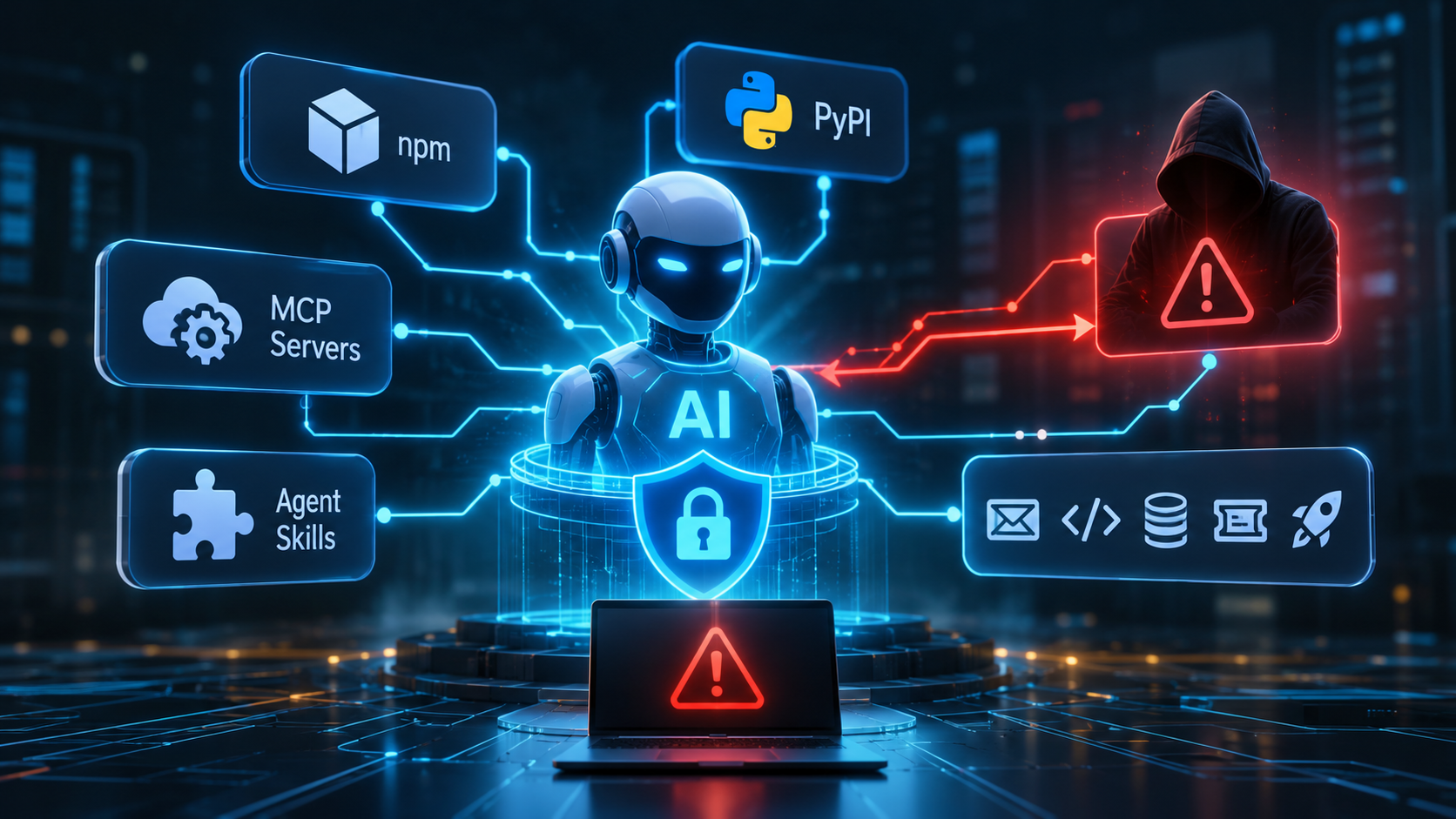
AI agents connect to outside tools, plugins and skills to get work done. If those add-ons come from unknown or unverifiable owners, an attacker can slip instructions into your agent’s workflow. Security teams must verify what every agent connects to, limit what each tool can access, and monitor agent behavior continuously.
Why This Matters Right Now
Businesses are handing AI agents real responsibilities: reading emails, editing code, querying databases, filing tickets and triggering deployments. To do this, agents plug into external components such as packages, MCP servers and reusable “skills.”
Researchers at OX Security recently looked at 542,207 components across npm, PyPI, MCP servers and Agent Skills, using their threat-tracking system to flag suspicious ones for deeper review. Their conclusion is uncomfortable: security teams often cannot verify what their agents connect to, and in many cases the tools have no identifiable owner.
In plain words, your agent may be following directions written by someone you have never met.
What Is the “Plug and Pray” Problem?
“Plug and pray” is an old joke from the early days of USB, when you connected a device and hoped it worked. In AI, the same idea applies, except the stakes are far higher. You connect a tool, you hope it is safe, and the agent acts on it with your permissions.
A normal software package just runs code. An AI agent does something extra: it reads what a tool says about itself and decides how to behave. That description, the tool’s instructions, and the data it returns all become part of the agent’s thinking. This is why a malicious component can do damage without looking like malware at all.
How AI Agents Create a New Supply Chain Attack Model
Traditional supply chain attacks hide bad code inside a trusted package. Agentic AI adds a second path. According to OX’s research lead, MCP servers can expose tools and instructions to agents, and attackers only need to convince the agent to use them.
Think about what that means:
- Persuasion replaces exploitation. The attacker does not need a software bug. They need wording that nudges the agent.
- Trust is inherited. Once a tool is connected, the agent treats its output as legitimate context.
- Permissions travel along. The agent usually holds the user’s access, so a compromised tool borrows that power.
This is why the risk feels different from the vulnerable-library problems teams already know how to scan for.
The Four Ecosystems Under the Microscope
The research covered four places where agents get their capabilities.
1. npm and PyPI packages. These are the classic open-source registries. Typosquatted names, hijacked maintainer accounts and look-alike packages have long been a problem here, and AI-assisted coding tools can pull them in automatically.
2. MCP servers. The Model Context Protocol lets agents talk to external services in a standard way. It is convenient, but each server is a new door into your environment.
3. Agent Skills. Reusable instruction bundles that tell an agent how to perform a task. They are easy to share, which also makes them easy to poison.
4. The links between them. A harmless-looking skill can call a risky package, which can call an unverified server. Risk compounds along the chain.
Why Old Trust Signals Are Failing
OX’s CEO put it sharply: companies are giving AI agents access to critical systems while relying on trust signals built for a different era.
Think about the signals teams lean on today:
- Download counts and star ratings, which can be inflated.
- A professional-looking README, which anyone can write.
- A familiar name, which can be imitated.
- “Everyone is using it,” which is not a security review.
None of these tell you who actually controls the component or what it will instruct your agent to do tomorrow. When an agent can act at machine speed, a single bad connection can cause harm before a human notices.
Three Questions to Ask Before Your Agents Plug In
OX’s article frames a short checklist. Here is a practical version in our own words that any team can adopt.
1. Who owns this component?
Can you identify a real, accountable publisher? Anonymous tools with no history, no contact and no ownership trail deserve suspicion. If you cannot name the owner, you cannot hold anyone responsible when something breaks.
2. What can it see and do?
Map the access. Does a calendar helper really need file-system access? Does a note-taking skill need to send email? Apply least privilege so that a compromised tool can only reach a small slice of your systems.
3. How will you know if it changes?
Components update. A safe tool today can ship a harmful update next month. You need version pinning, change alerts and runtime monitoring so shifts in behavior get noticed quickly.
A Practical Defense Playbook for 2026
Here is a step-by-step approach security and engineering teams can start this week.
Step 1: Build an inventory. List every package, MCP server and skill your agents use, including the ones developers added on their own. You cannot protect what you cannot see.
Step 2: Create an approved list. Allow agents to connect only to vetted components. Treat everything else as blocked by default.
Step 3: Pin versions and review updates. Avoid “latest” tags in agent configurations. Review changes before they reach production.
Step 4: Limit credentials. Give each agent short-lived, narrowly scoped access. Never reuse a powerful admin token for convenience.
Step 5: Separate data from instructions. Treat text returned by tools as untrusted input. Add guardrails so that retrieved content cannot silently override the agent’s core rules.
Step 6: Require human approval for risky actions. Deleting data, moving money, changing permissions and publishing code should need a person to confirm.
Step 7: Log and monitor everything. Keep records of which tools an agent called, with what input, and what happened. Anomalies show up in logs first.
Step 8: Test like an attacker. Run adversarial exercises against your agents before deployment and on a regular schedule afterward.
What This Means for Different Teams
Developers: Be careful when your coding assistant suggests or installs a package or server you do not recognize. Check it before you accept it.
Security teams: Extend software supply chain programs to cover agent components. Your existing scanners probably do not read tool descriptions or skill instructions.
Business leaders: Ask a simple question in every AI rollout: what can this agent connect to, and who approved it? Treat the answer as a governance requirement, not a technical detail.
Small businesses and marketers: Even if you are not building agents yourself, the AI tools you adopt may be. Before connecting an assistant to your website, analytics, CRM or ad accounts, check who made the add-on and what access it asks for.
Why AEO and GEO Readers Should Care
Search is shifting toward answer engines and generative assistants. Those systems summarize trusted sources, which means brands that publish accurate, clearly structured security guidance are more likely to be cited. At the same time, the agents powering those experiences face the very supply chain risks described above. Understanding both sides helps teams protect their data and earn visibility.
Key Takeaways
- Agents act on tool descriptions and returned data, so a connected component can steer behavior without traditional malware.
- A large share of components in public ecosystems cannot be traced to a verifiable owner.
- Popularity signals are weak proof of safety.
- Inventory, allow-lists, least privilege, version pinning and monitoring are your strongest early moves.
- Human approval for high-impact actions remains one of the cheapest and most effective safeguards.
Final Thoughts
AI agents are only as trustworthy as the components they depend on. The convenience of plugging in a new tool is real, but so is the cost of plugging in blindly. Organizations that verify ownership, limit access and monitor behavior will be able to adopt agents with confidence, while those that simply hope for the best will be the ones learning the hard way.
Frequently Asked Questions
It means an AI agent is following instructions or using tools supplied by publishers nobody has verified. If a connected component is malicious or compromised, the agent can be steered into actions the organization never intended.
An MCP server exposes tools, data and instructions to an AI agent through the Model Context Protocol. It is useful because it standardizes connections, but an unverified server can feed the agent misleading instructions or request excessive access.
Normal attacks hide harmful code in a dependency. With agents, the attacker can also influence the agent through text such as tool descriptions, skill instructions or returned content, so no exploit of a software bug is required.
Agent Skills are reusable sets of instructions and resources that teach an agent how to complete a task. Because they are easy to copy and share, they need the same vetting as any third-party code.
Inventory every component, allow only approved ones, pin versions, apply least privilege, treat tool output as untrusted, require human approval for sensitive actions, and monitor agent activity continuously.
No. Download counts, ratings and familiar names can be manipulated. Verify ownership, permissions and update history instead of relying on popularity.
Yes. Any business that connects an AI assistant to business accounts or customer data inherits the risk of whatever add-ons that assistant uses. Basic checks on publisher identity and access scope go a long way.
Start with visibility. Create a full list of the agents, servers, skills and packages in use, then remove or block anything you cannot trace to an accountable owner.
